

How to sell website templates: platforms, licensing and your own store
To sell website templates profitably, you need to make four linked decisions: which platform or code stack your templates target, where buyers check out, what rights your license grants, and how you bring traffic once you move beyond a marketplace. Most creators start on a marketplace or hosted checkout for speed, then move repeat buyers and memberships to their own storefront to keep more margin and own their customer list.
This guide covers template formats, marketplace vs. self-hosted fee tradeoffs, pricing and licensing models, when it makes sense to run your own template store, and a launch checklist you can follow end to end.
Step 1: Choose which type of website template to build
Before picking a storefront, decide whether you are selling platform-native templates or self-hosted code templates. The two categories have different buyers, delivery methods and support loads:
- Platform-native templates (Framer, Webflow, Squarespace, Notion): Buyers clone a project link directly into their own account on that platform. Hosting and updates stay inside the platform’s editor, which keeps buyer onboarding simple and reduces technical support tickets.
- Code-based templates (HTML/Tailwind, Astro, React/Next.js, WordPress themes): Buyers download a ZIP archive or clone a private repository and deploy it themselves. These often command higher prices from developers and agencies, but they require clear documentation, clean folder structure and straightforward deployment instructions so support requests do not eat your margins.
Pick one narrow use case first—for example, SaaS landing pages, restaurant sites, portfolio layouts or documentation themes—rather than a generic multipurpose pack competing with thousands of older listings.
Step 2: Decide where to sell (marketplace vs. hosted checkout vs. your own store)
Your sales channel determines how much built-in discovery you get, what commission you pay, and who handles global sales tax and VAT.
The comparison below summarizes the main channels (fee structures checked as of November 2026; always confirm current rates on each provider’s pricing page before listing):
| Channel type | Examples | Typical fees | Global tax (MoR) | Best for |
|---|---|---|---|---|
| Legacy marketplaces | ThemeForest (Envato), Creative Market | High revenue share (for example, ThemeForest moved to a flat 50% author fee; Creative Market also takes a substantial cut) | Handled by marketplace | Creators who rely on built-in marketplace search traffic and price to absorb the cut |
| Platform marketplaces | Framer Marketplace, Webflow Marketplace | Varies by platform (for example, Framer Marketplace takes 0% commission on template sales, while you pay for your Framer site plan) | Depends on checkout setup | Designers building exclusively inside one builder ecosystem |
| Hosted digital checkouts | Gumroad, Payhip | Percentage + fixed fee per sale (for example, Gumroad charges 10% + $0.50 on direct sales and 30% via Discover) | Gumroad acts as Merchant of Record (MoR); others vary | Solo creators with an existing audience who want $0 monthly hosting to start |
| Self-hosted template store | Custom store built on a SaaS starter (such as SaaScaffold, our own starter) or WooCommerce | Hosting + payment processor fees (commonly ~2.9% + $0.30 for cards, or MoR fees if using a MoR like Dodo Payments) | Optional via a MoR provider (for example, Dodo Payments) | Creators selling multiple templates, bundles or all-access memberships who want full brand control and customer data |
Disclosure: SaaScaffold is our own commercial source-code starter. If you are launching your very first template with no existing audience, starting on a platform marketplace or a zero-monthly-fee hosted checkout is usually faster than setting up a self-hosted store.
A common hybrid strategy works well: list individual templates on a native marketplace for discovery, while directing repeat buyers, bundles and all-access memberships to your own domain.
Step 3: Set your pricing and write clear license terms
When you sell a website template, you are not transferring copyright—you are granting a license to use your design or code under specific rules. Publish your license terms directly on the product page before checkout so buyers know what is allowed.
Common pricing models
- Single-template purchase: Best for entry-level buyers who want one layout for a specific launch.
- Template bundles: Group 3–5 related templates at a discount to raise average order value.
- All-access subscription or credit membership: Works once you have a growing catalog and release new templates or sections regularly.
Core license tiers to define
- Personal / Standard license: Covers one end website owned by the buyer. Prohibits reselling, redistributing or republishing the template files.
- Commercial / Freelancer license: Allows a freelancer or studio to build a website for one client per license (or a stated number of clients).
- Explicit restrictions: State clearly that buyers cannot repackage your template into a competing template, UI kit, theme or website builder.
Step 4: When to build your own template store or membership site
Once your template catalog grows—or once platform commissions start costing more than your own infrastructure—running your own storefront gives you three advantages: you keep customer emails and order history, you can combine one-time purchases with recurring all-access subscriptions, and you are not exposed to sudden marketplace fee changes.
To run a reliable self-hosted template store without cobbling together half a dozen plugins, you need five moving parts: user accounts, verified checkout and subscriptions, protected file downloads, a customer order/download history, and an admin panel for refunds and support.
If you are a developer (or work with a coding agent like Claude Code or Codex), SaaScaffold ships those building blocks in one TypeScript repository on Cloudflare Workers (React + TanStack Start, D1 or PostgreSQL):
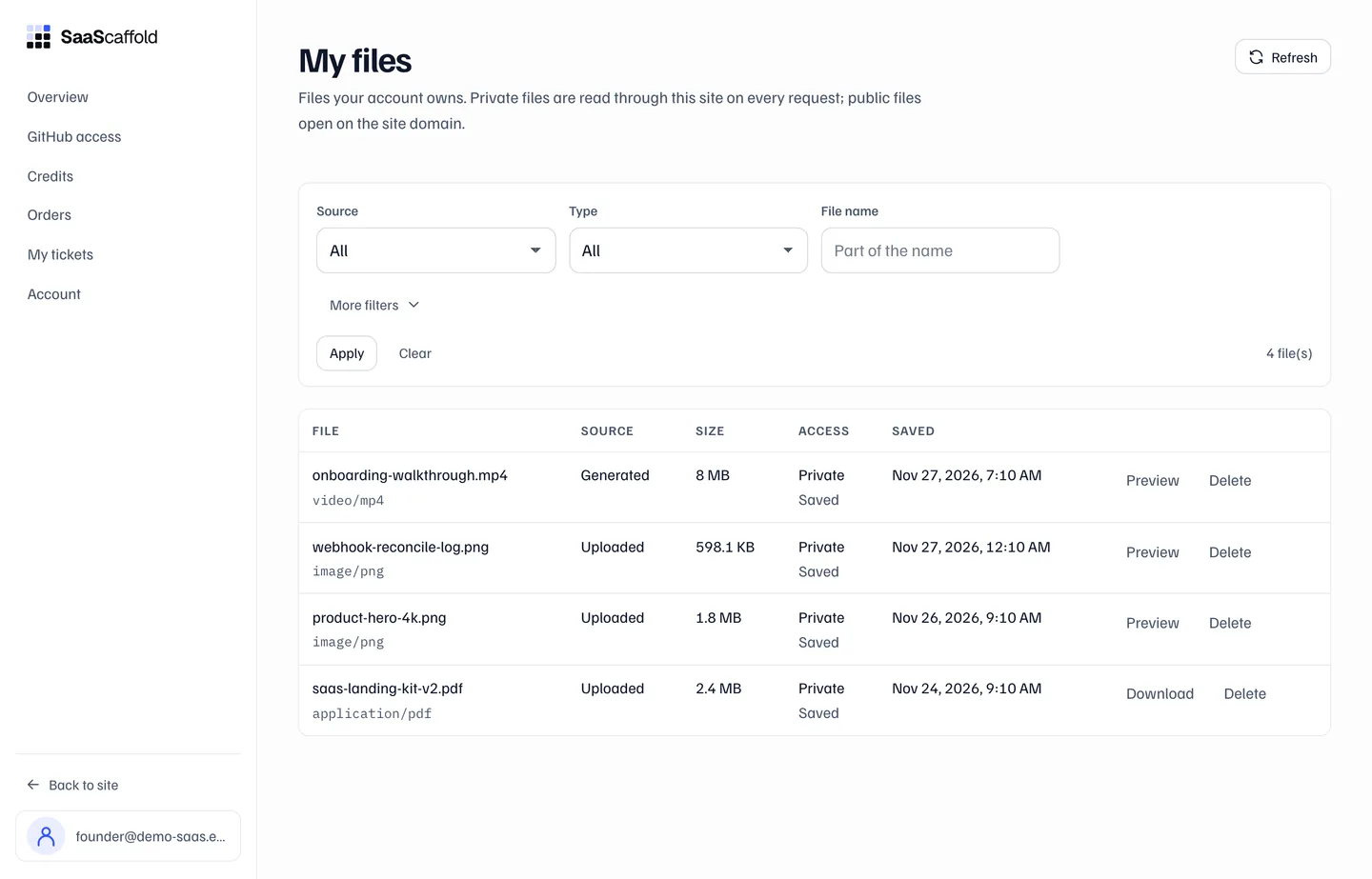
- Accounts and customer workspace: Buyers sign in with email verification or Google, see their orders and invoices, download their purchased files, and open support tickets in one place.
- Four payment providers on one ledger: Stripe, PayPal, Waffo and Dodo Payments share one order flow and credit ledger, supporting both one-time purchases and recurring subscriptions. Using Dodo Payments also gives you a Merchant of Record option for global sales tax and VAT alongside standard card or PayPal checkouts. See how SaaScaffold runs four payment providers on one ledger.
- Protected file delivery in Cloudflare R2: Public preview assets live in a public R2 bucket while downloadable template archives live in a private R2 bucket served only after server-side access checks.
- Agent-guided setup and deployment: The 40 Markdown runbooks in
agents/let Claude Code or Codex handle branding, tests, pre-launch verification and Cloudflare deployment while keeping payment secrets strictly in your own Worker environment.
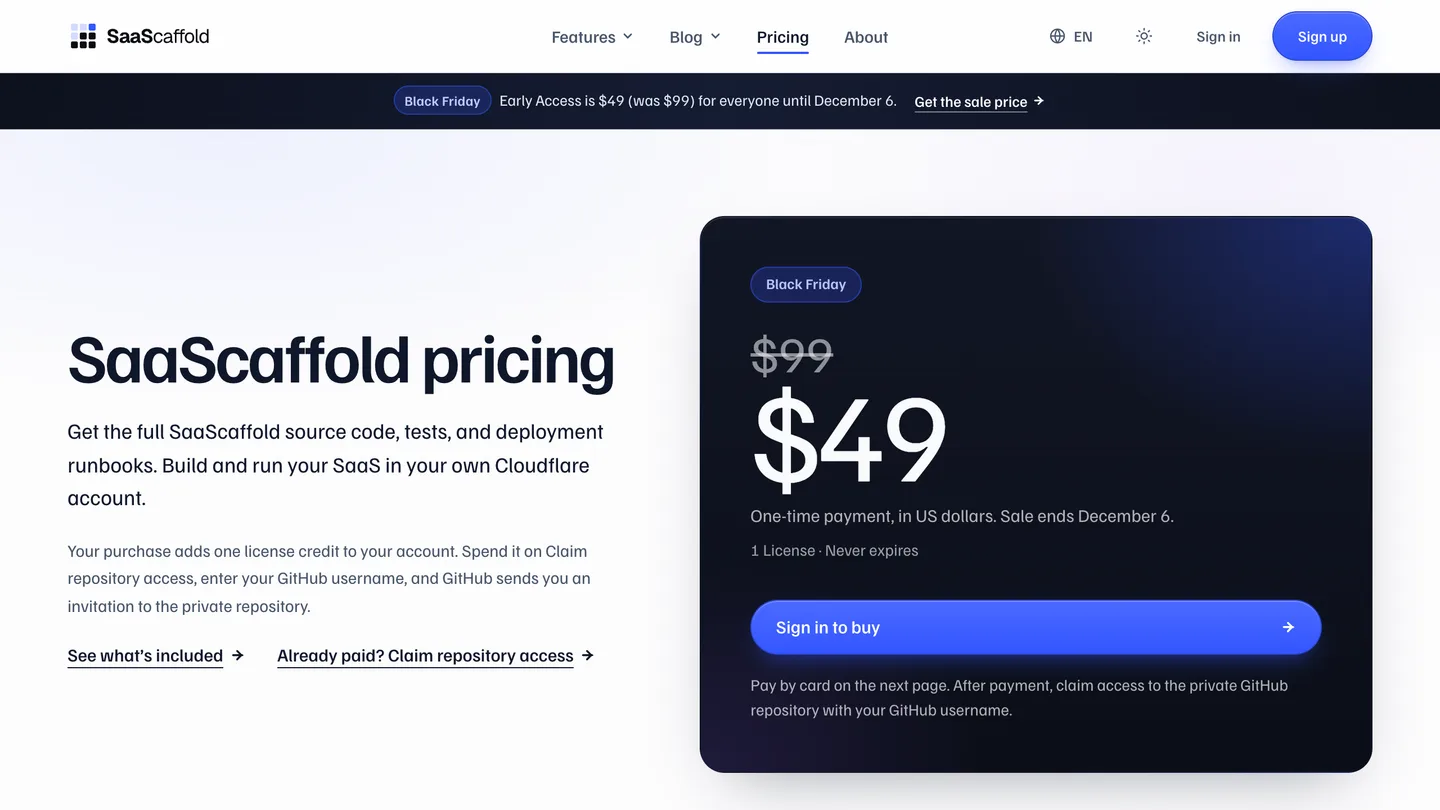
Important license boundary: You can use SaaScaffold to build and operate your own storefront that sells your own original templates (for example, your own HTML, Tailwind, Astro, Figma or Framer templates). Under the SaaScaffold commercial license (Section 3), you may not resell, redistribute or repackage the SaaScaffold source code itself as a website template, boilerplate or starter kit.
Step 5: Launch checklist before you accept your first order
Run through these six checks before announcing a new template:
- Publish a fast live demo: Buyers decide in seconds from the live preview, not from static screenshots. Test the demo on mobile and desktop.
- Write clear setup documentation: List required tools, versions, customization steps and how to deploy. Clear docs cut refund requests dramatically.
- Package clean deliverables: Remove unused assets, local
.envfiles, copyrighted stock photos you cannot redistribute, and broken links. - Verify checkout, webhooks and file delivery in test mode: Run a full test purchase from checkout to private file download, then test a refund to confirm access handling works as expected.
- Publish clear refund and support policies: Digital downloads are hard to "return," so state upfront when refunds apply (for example, broken files or undelivered downloads) and what support covers (bug fixes vs. custom client work).
- Plan how updates reach past buyers: Keep a changelog and make updated ZIP archives or links accessible from the buyer’s account or purchase email.
Step 6: How to promote website templates without relying only on a marketplace
If you sell on your own domain or a hosted checkout, you must bring your own buyers. Four channels consistently work for template creators:
- Offer one genuinely useful free template: Use a clean, smaller free template as a lead magnet and showcase of your code or design quality, linking to your paid catalog and bundles.
- Publish build breakdowns and live demos: Post short before/after walkthroughs on X, LinkedIn, YouTube or design communities showing the exact problem the template solves.
- Target specific use-case search queries: Create dedicated landing pages for each template’s real use case (for example, "Astro documentation template" or "SaaS pricing page template") with live previews and clear specs.
- Bundle and cross-sell: Offer a discounted bundle or all-access pass right on the single-template page and in post-purchase emails.
Common risks and how to handle them
- Piracy and link sharing: You cannot eliminate piracy completely, so focus on friction that does not hurt paying buyers—serve downloads through authenticated private links (such as signed or access-checked private R2 downloads) rather than static public URLs, and compete on clean updates and reliable documentation.
- Scope creep in customer support: Buyers sometimes ask for free custom design changes. State clearly on your product and support pages that purchases include bug fixes and setup documentation, while custom modifications are billed separately.
- Cross-border VAT and sales tax: Digital downloads sold worldwide can trigger VAT or sales tax registration thresholds in the EU, UK and several US states. If you do not want to manage tax filings yourself, sell through a Merchant of Record (such as Gumroad on hosted checkout, or Dodo Payments inside your own store).
Next steps
- Launching your first template? Pick one ecosystem, ship a fast live demo, and validate demand on a native marketplace or low-overhead hosted checkout.
- Ready to build your own template storefront or all-access membership site? Explore what is inside SaaScaffold, read how multi-provider payments and subscriptions work, or review SaaScaffold Early Access pricing and the software license.